Step 1: Go to the Configuration
Navigate to Configuration.
Open the Issues tab.
On the right side of each Issue Type, click Details.
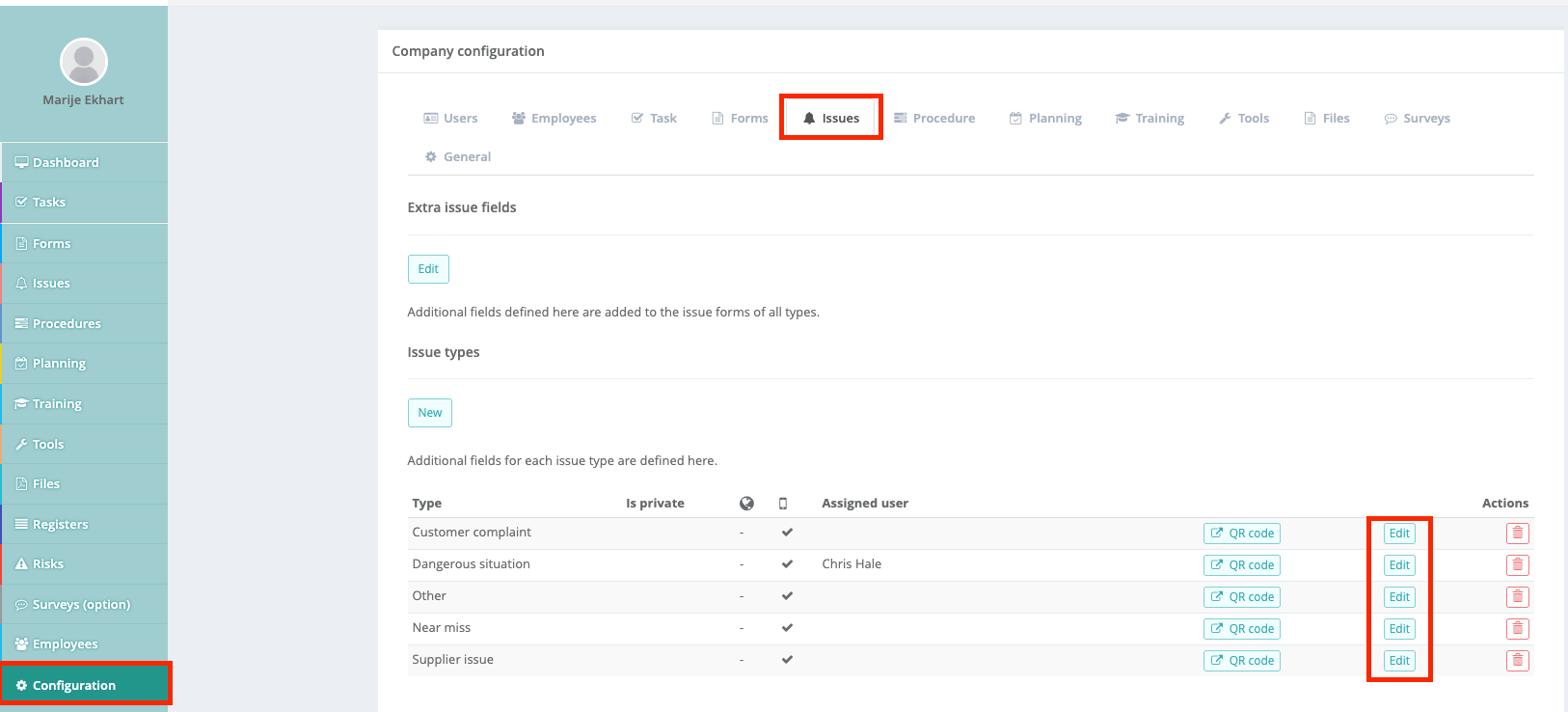
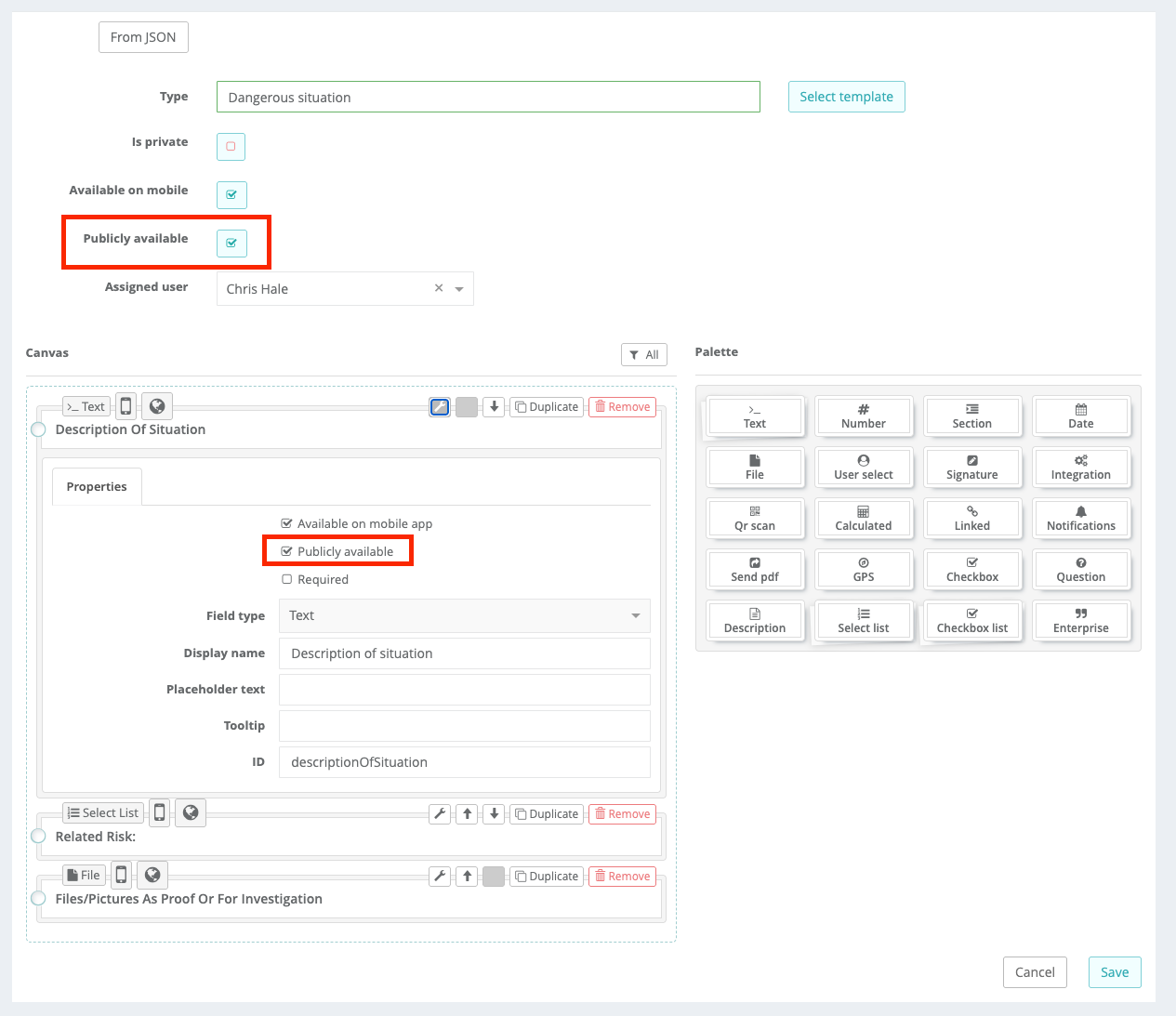
Step 2: Make the Issue Type Public
Enable Publicly available for the selected issue type.
Enable or disable public access per question, depending on the information you want to collect from external users.
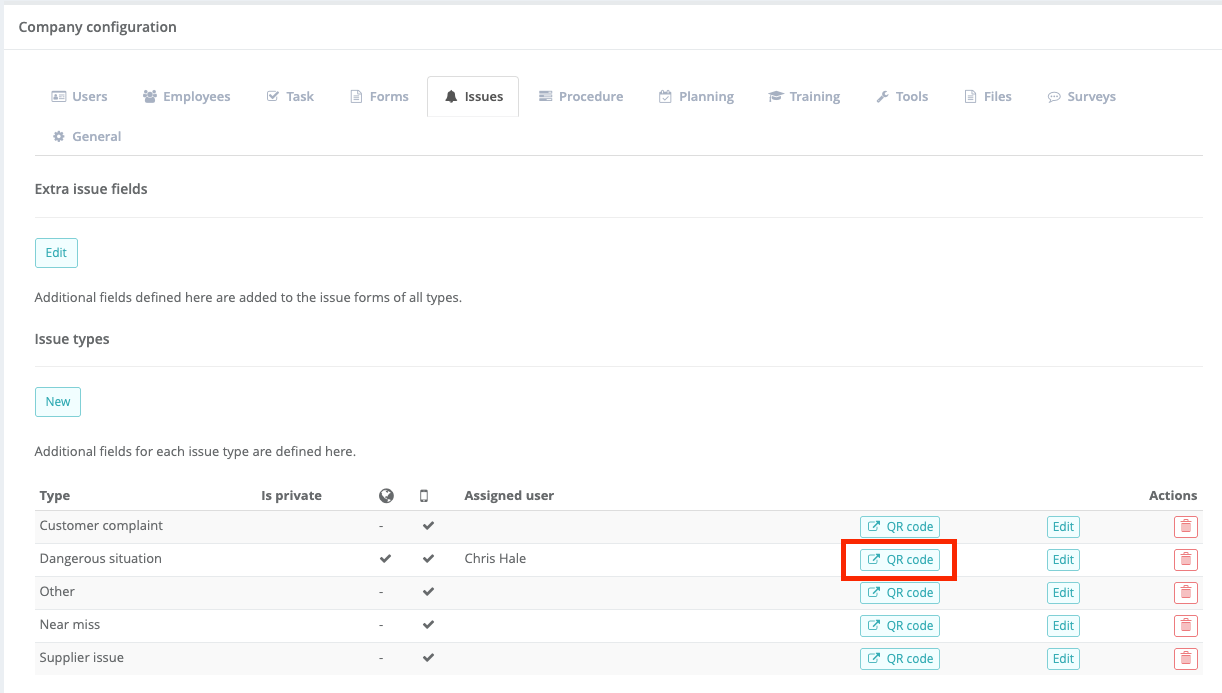
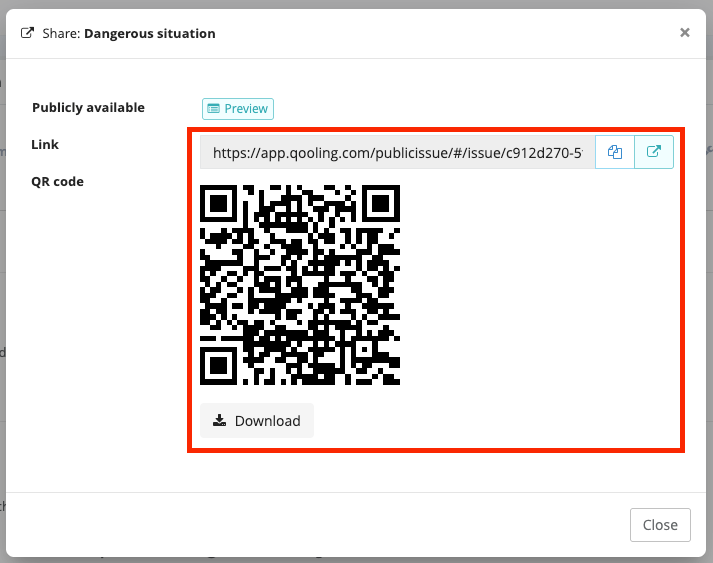
Step 3: Download the QR Code or Share the Public Link
Download the QR code or copy the public link.
Place or attach the QR code in the relevant location (for example, on the production floor), or share the public link with external users.
Step 4: Scan the QR Code
Open the camera on your mobile phone.
Scan the QR code.
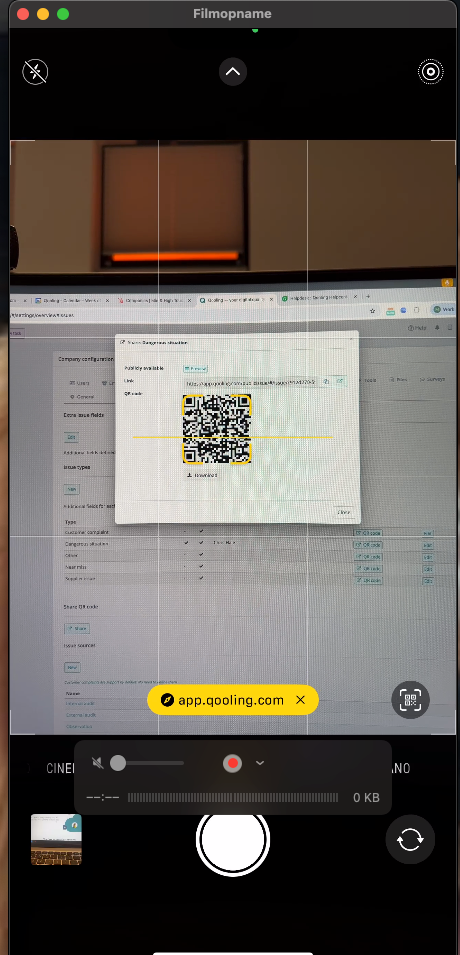
You will be automatically redirected to the issue form.
Fill in the issue form as required.
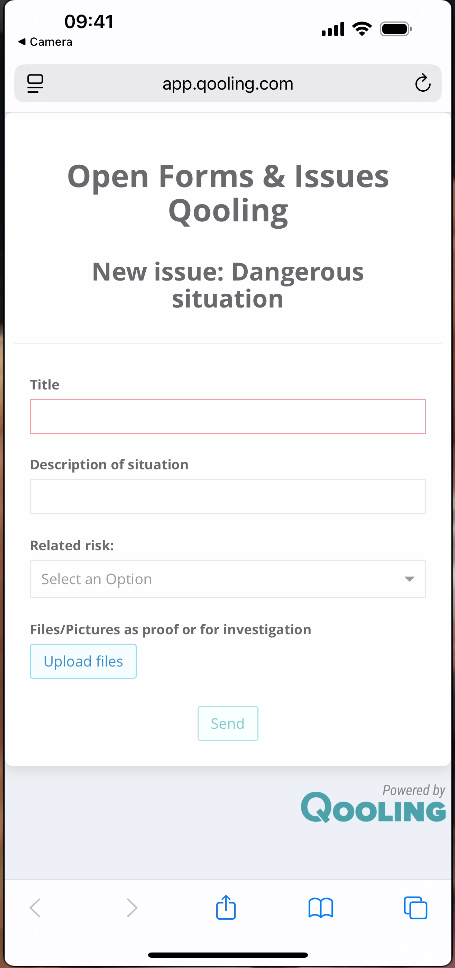
Step 5: Complete the Issue
Submit the issue.
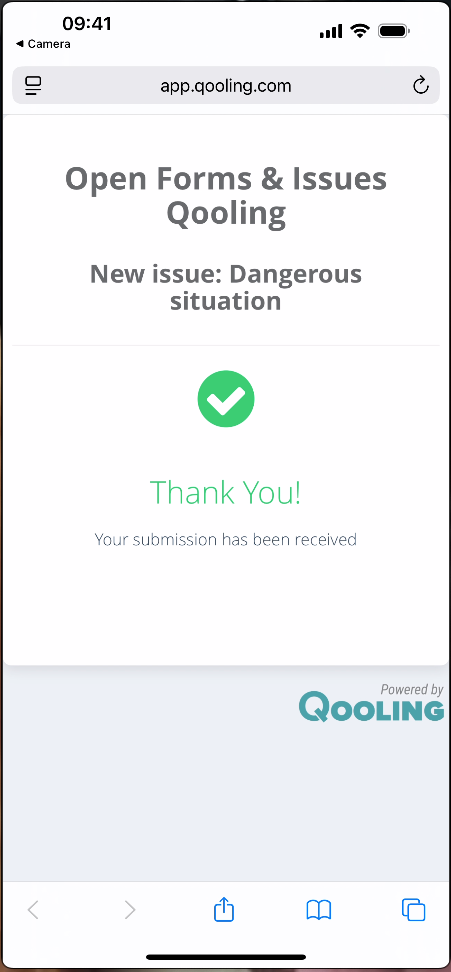
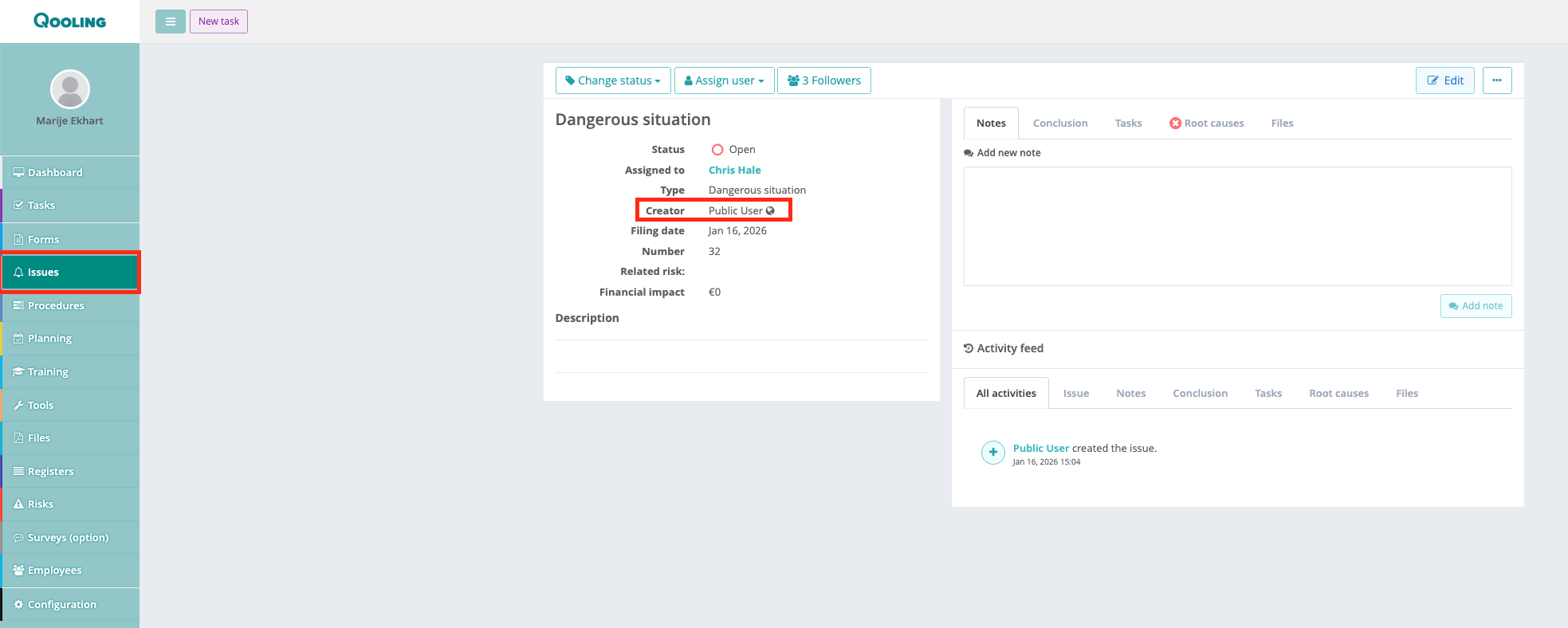
Step 6: View the Submitted Issue in Qooling
Open the Issues module in Qooling.
You will see that the issue has been submitted by a public user.
Was this article helpful?
That’s Great!
Thank you for your feedback
Sorry! We couldn't be helpful
Thank you for your feedback
Feedback sent
We appreciate your effort and will try to fix the article