In the inspections overview you will be able to see different views of the status of the inspections. You can see the upcoming inspections specific to you and in general, but also the history of inspections specific to you and in general.
In order to view the different displays of the inspection log, you can navigate to “Show Inspections”.
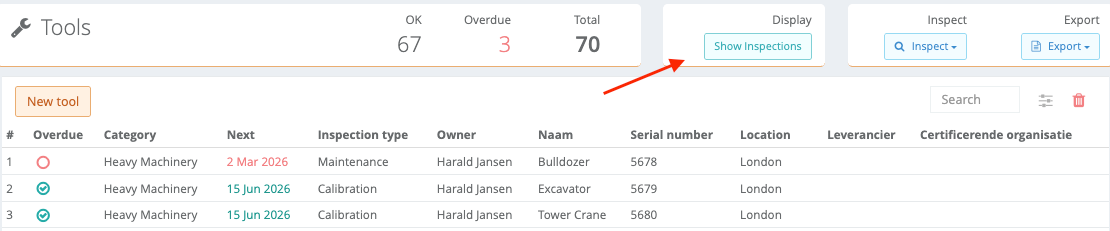
Now you will be able to see 4 tabs, namely: “My upcoming inspections”, “Upcoming inspections”, “My Inspection Log” and “Inspection Log”. We will go into more detail per tab in the following sections below.
My Upcoming Inspections
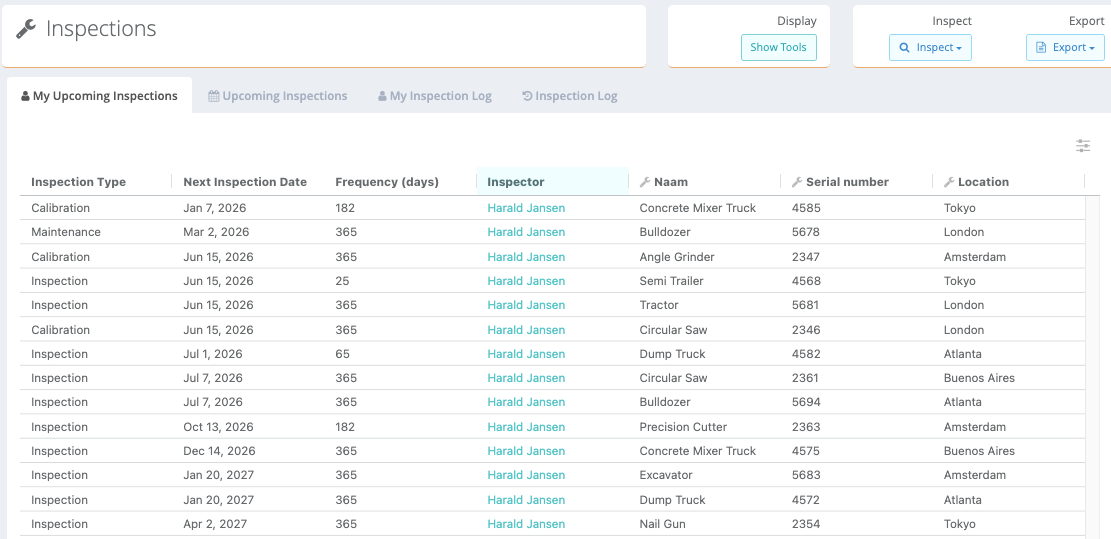
This overview shows all the inspections that are upcoming for you. This means that these are the inspections that are linked to you specifically. The filter “Inspector” is automatically set to your username as shown below.
Upcoming Inspections
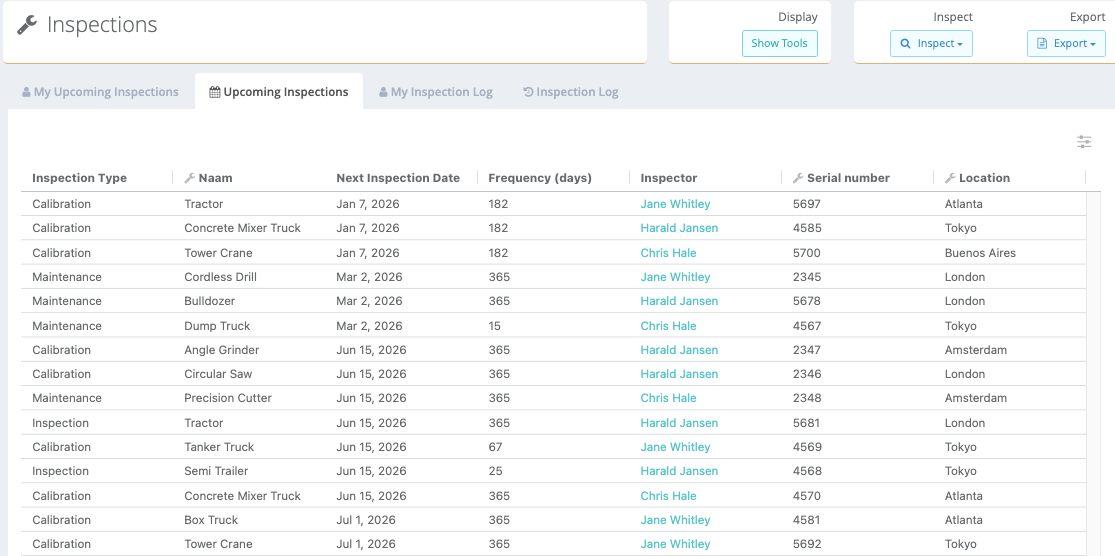
This overview shows all the upcoming inspections across all users (inspectors). An overview only accessible for full users who are then able to view the upcoming inspections.
My Inspection Log
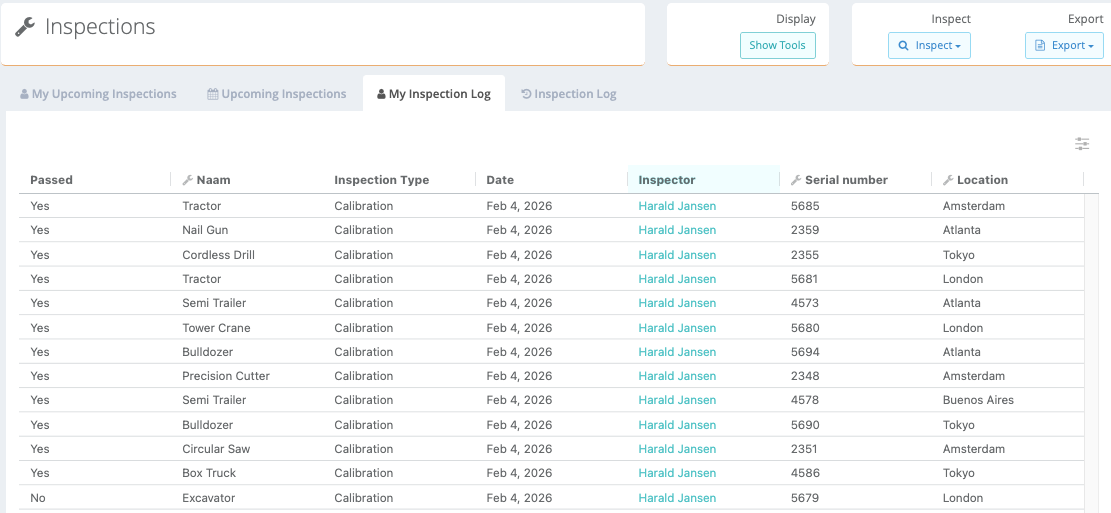
An overview that shows all historic inspections that you have performed. In the first column you are able to see whether an inspection has passed or not.
Inspection Log
An overview for full users to see all the inspections that have been performed in the past.
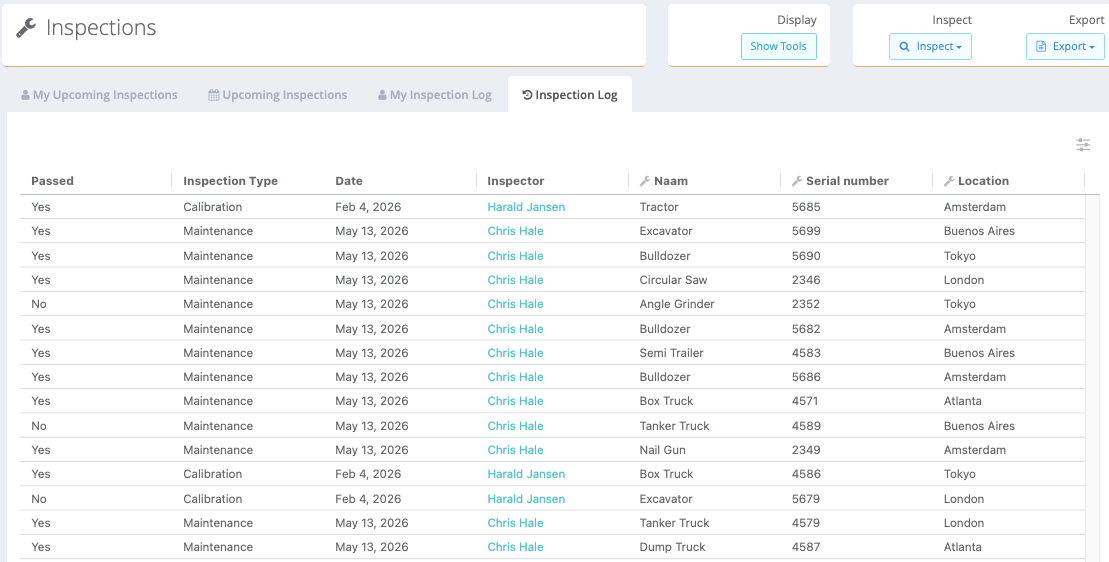
-More information about filtering and export will be added asap
Was this article helpful?
That’s Great!
Thank you for your feedback
Sorry! We couldn't be helpful
Thank you for your feedback
Feedback sent
We appreciate your effort and will try to fix the article